Camille: Visual Composition for the AI-Built Web
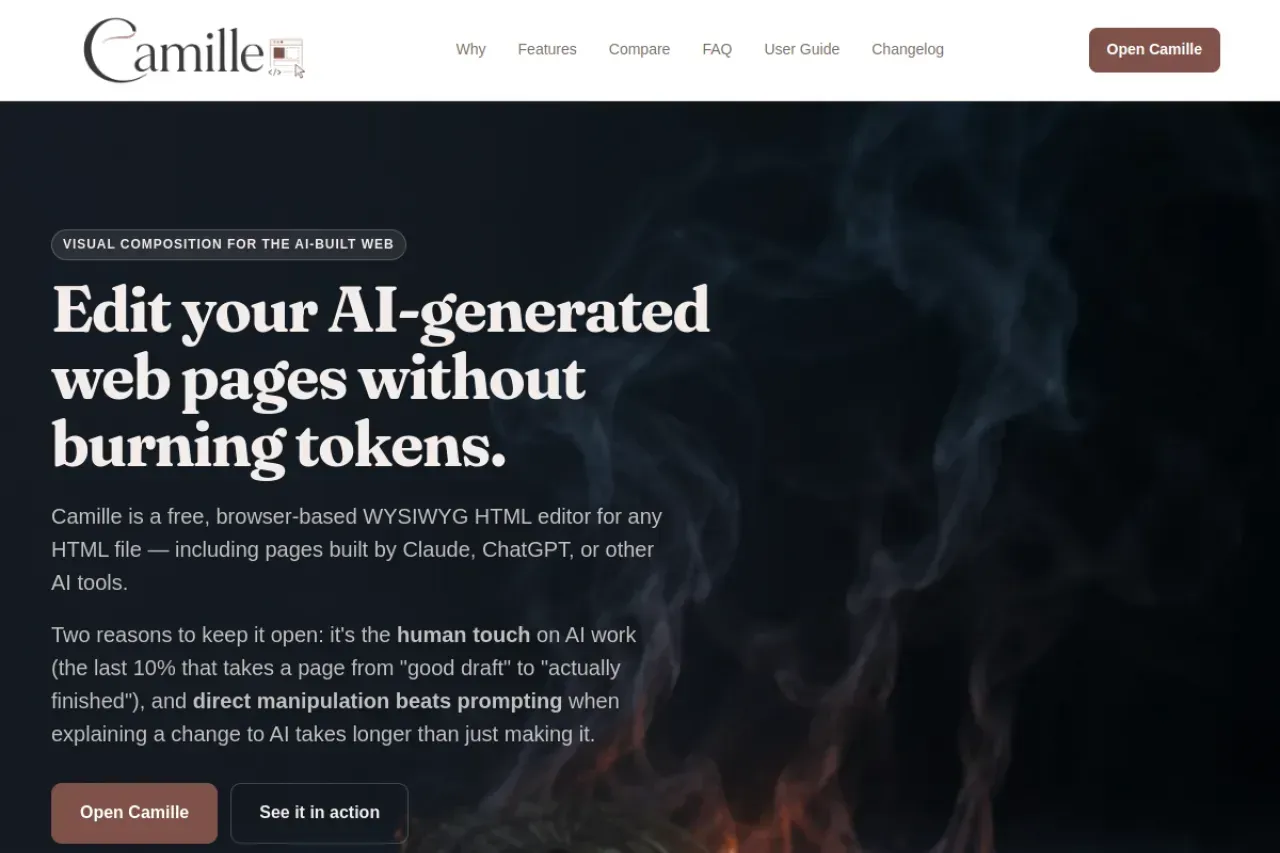
Camille is a free, no-install, browser-based WYSIWYG HTML editor designed specifically for editing pages created by AI tools like Claude, ChatGPT, and others. It solves the common pain point that occurs after an AI generates beautiful HTML: making small final adjustments without regenerating the entire page or diving into raw code.
The Problem It Solves
After the AI builds your page, changing a headline, swapping a logo, or tweaking layout often leads to three bad options: burning more tokens by re-prompting, manually editing complex code, or using abandoned desktop editors. Camille offers a better way — direct visual manipulation.
Key Features
- Opens any HTML file, fragment, or AI-generated landing page
- Visual editing mode, source code view with syntax highlighting, and synchronized split view
- Built-in image controls: resize with handles, alignment, URL swapping, alt text editing
- Element styles panel for colors, opacity, and background images
- Automatic extraction of the page’s color palette for one-click brand consistency
Real-World Use Cases
Perfect for designers, marketers, and developers who prototype landing pages with AI. It provides the crucial “last 10%” human touch that turns a good AI draft into a finished product. Everything runs locally — your files never leave your computer.
Pros and Cons
Advantages: completely free, zero signup, instant browser access, saves API costs, intuitive interface, live two-way sync. Limitations: focused purely on static HTML editing; does not include CMS features or framework-specific tooling.
Camille is the ideal companion tool for anyone in the AI-powered web development workflow, making final refinements fast, visual, and frustration-free.