What is LM Studio
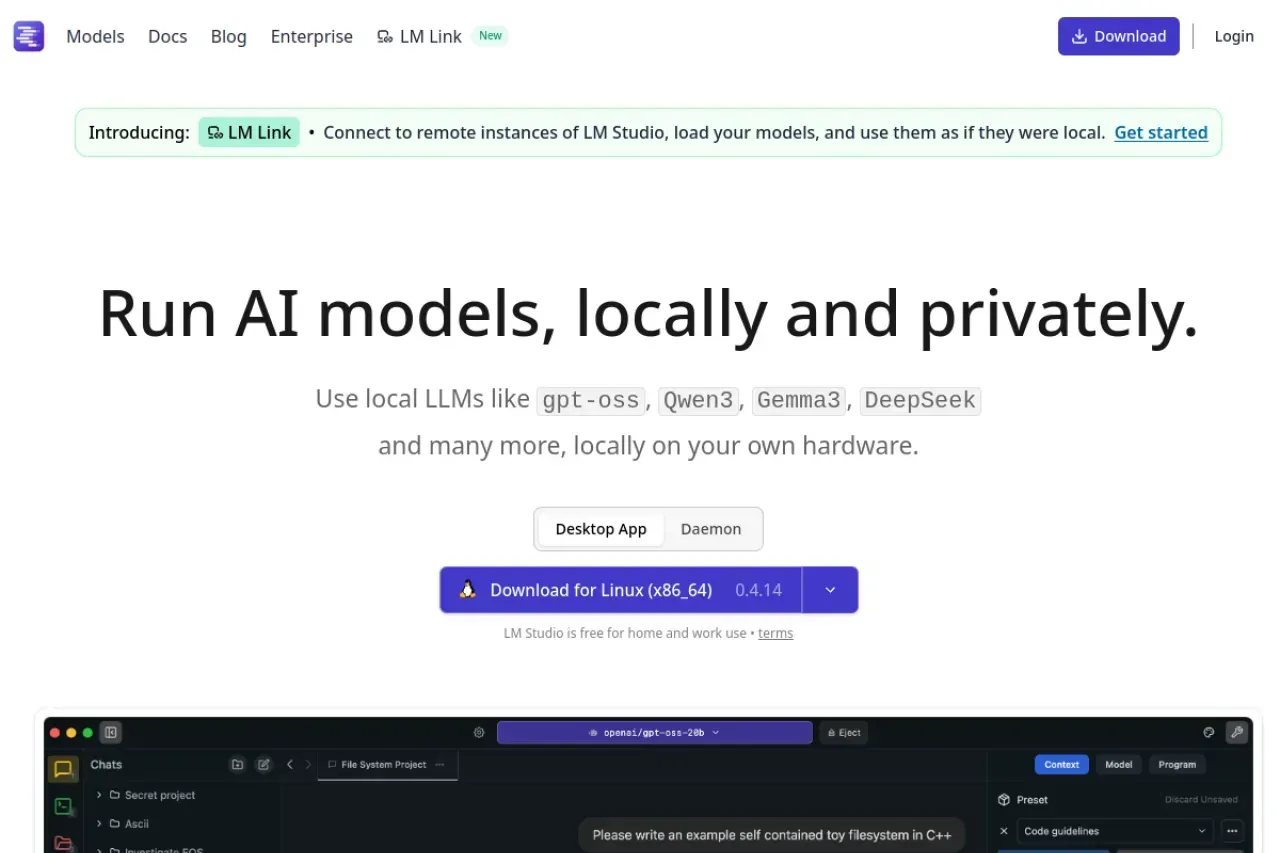
LM Studio is a free desktop application that enables users to run large language models entirely locally on their personal computers. It supports popular open-source models including Llama, Gemma, Qwen, DeepSeek, gpt-oss and many others. The main advantage is complete privacy — all computation and data stay on your device.
Key Features
The app provides an intuitive graphical interface for discovering, downloading, and running models. It supports Apple MLX, OpenAI-compatible API, and a headless mode (llmster) for servers and Linux environments without GUI. Developers can use official JavaScript and Python SDKs as well as the lms CLI tool.
Recently introduced LM Link allows connecting to remote LM Studio instances and using them as if they were local. This unlocks new collaboration and deployment scenarios.
Who It's For
LM Studio is perfect for developers, AI researchers, enthusiasts, and companies that prioritize data confidentiality. It is used for local text generation, coding assistance, building chatbots, document analysis, and experimenting with models without sending data to the cloud.
Pros and Cons
Advantages: completely free for personal and commercial use, high privacy, user-friendly interface, broad model support, OpenAI compatibility, SDKs and CLI.
Limitations: requires substantial hardware resources (especially for large models), performance depends on user's computer, no cloud infrastructure.
LM Studio is actively developed with regular updates, new features, and performance improvements. The project is backed by Element Labs and has an active community on Discord, GitHub, and Twitter.