Superwhisper: Turn Your Voice Into Polished Text
Superwhisper is a powerful AI voice-to-text application designed to dramatically increase typing speed and productivity. Instead of typing, users simply speak and the app instantly converts voice into clean, grammatically correct, and stylistically polished text. It works seamlessly across macOS, Windows, and iOS, allowing dictation directly into Slack, Gmail, Notes, code editors, or any other application.
Core Features
The app supports both fully offline speech recognition and cloud-based models for higher accuracy. It covers over 100 languages and offers custom AI modes that adapt the output style — from professional and concise to creative or technical. Activation is simple: press Option + Space, select any app, and start speaking.
Who Uses It
From fast-moving startups to large industry leaders, hundreds of thousands of professionals rely on Superwhisper. Developers use it for voice coding, writers for rapid drafting, and executives for quick email and document creation. The tool is especially valued by those who need to move fast and reduce time spent on mechanical typing.
Security & Compliance
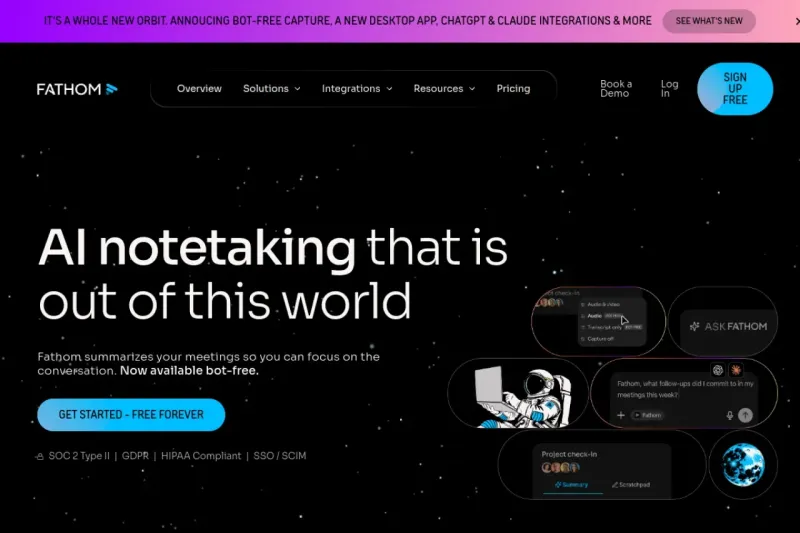
Superwhisper is SOC 2 Type II certified and HIPAA compliant, making it suitable for healthcare and sensitive business data. The offline mode ensures that your voice never leaves your device when privacy is critical.
Pros and Cons
Advantages: excellent accuracy, true offline capability, universal app integration, multi-language support, customizable AI output styles, simple hotkey activation.
Limitations: while a free trial is available, the full-featured version requires a paid subscription. Recognition quality depends on microphone quality and clear pronunciation.
Superwhisper goes beyond simple transcription — it acts as an intelligent writing assistant that understands context and helps you communicate more effectively.