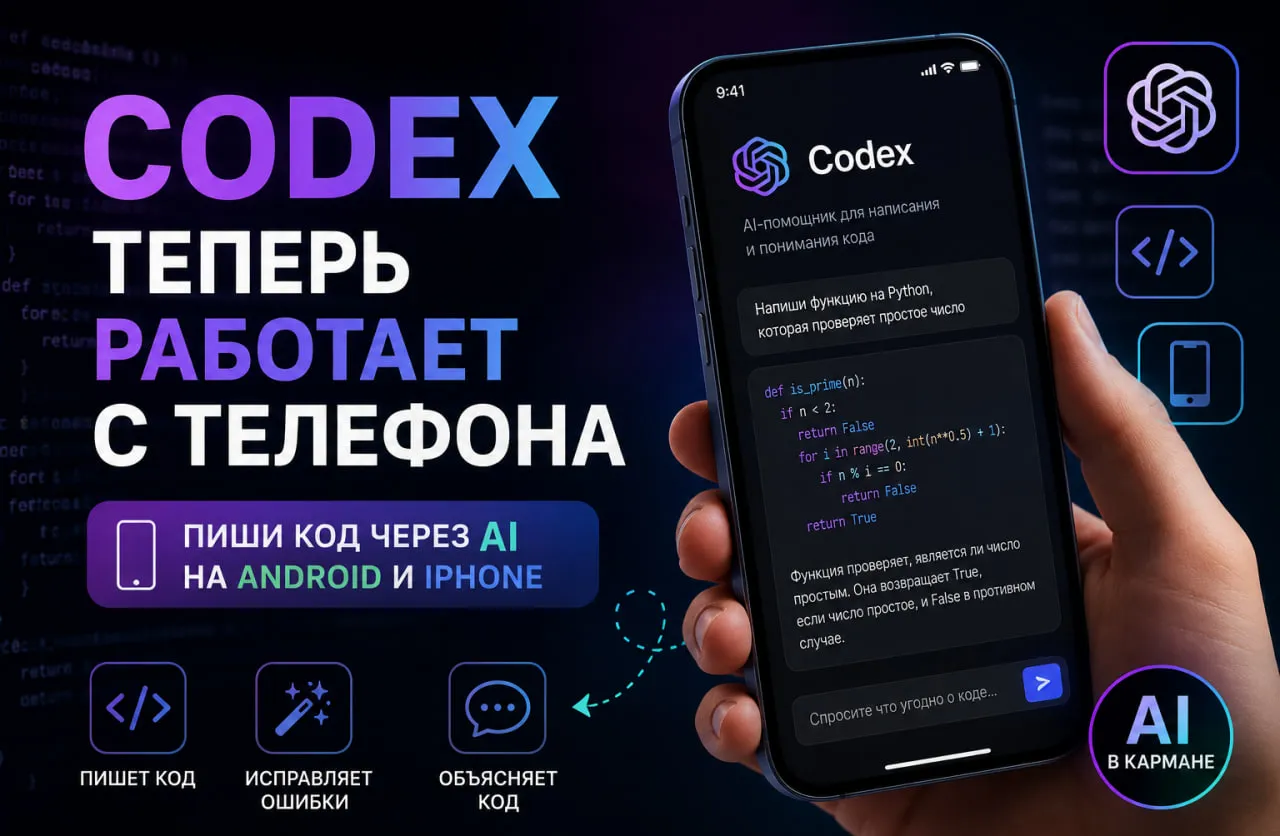
Until recently, the phrase “Codex on your phone” sounded more like a marketing fantasy than a real workflow. But in May 2026, OpenAI brought Codex into the ChatGPT mobile app for iPhone and Android. This is not just a decorative way to check task status: from a smartphone you can start and continue threads, give new instructions, approve agent actions, read diffs, review test results and monitor long-running tasks while Codex works on a connected computer or in a remote development environment.
This is an important shift for both users and the market. OpenAI has said that Codex is used by more than 4 million people every week, compared with more than 3 million in April. That growth shows that Codex is no longer a niche tool for enthusiasts. It is becoming a working layer for development, review, support, automation and task coordination. That is why searches such as Codex mobile, OpenAI Codex on iPhone and how to use Codex on Android will almost certainly grow in the coming months.
What is Codex on a phone
The main thing to understand is simple: Codex on a phone is not a separate mobile IDE and not a native code editor for a smartphone. In OpenAI’s current model, the phone works as a remote control surface for an already running Codex environment. Your files, credentials, plugins, skills, browser access and local tools remain on the host machine, while the phone shows the live state of that environment and lets you keep the task moving.
Put more simply, mobile Codex is not for “writing code with your thumbs.” It is for keeping work from stalling when you are away from the monitor. It is especially useful in three situations: when the agent is blocked and waiting for a decision, when you need to quickly approve an action or a diff, and when an idea appears away from your desk but you want to start the task immediately.
How to connect Codex to iPhone and Android
At the time of publication, mobile Codex setup starts on a Mac host. You need the Codex App installed, the same ChatGPT account and the latest ChatGPT mobile app. Then you open the mobile access setting in Codex, scan the QR code with your phone and finish linking inside ChatGPT. The host must remain powered on, online and awake: if the machine goes to sleep, loses connection or closes Codex, remote access stops.
This limitation is important to explain because it directly affects expectations. If you want to fully use Codex from a phone without a Mac, that mobile bridge scenario is not described yet. OpenAI says support for connecting a phone to a Windows host will be added later, but no exact date has been confirmed. If you need a cloud scenario without the mobile bridge, OpenAI also has Codex web, but it requires GitHub connection.
What you can do from a phone
The strength of mobile Codex is not a set of exotic features. It solves small delays that are expensive in real work. From a smartphone, you can start a new thread, continue an existing task, answer the agent’s questions, approve commands and see what it produced: terminal output, screenshots, test results and diffs. In practice, the phone becomes a coordination center for long agentic tasks.
The experience feels very practical. You step out for coffee and can ask Codex to investigate a bug. You are on the way to the office and choose between two refactoring paths suggested by the agent. You leave a meeting and ask Codex to prepare a short brief from support notes, documents and recent updates before a client call. OpenAI describes exactly these kinds of scenarios: not “coding on the couch,” but continuity of engineering work away from the desk.
Codex mobile features
Start new tasks
Continue existing threads
View terminal output
View test results
Approve or reject agent actions
View screenshots
Manage several tasks
How mobile Codex differs from desktop
Task management
Phone: yes
Desktop: yes
Diff review
Phone: yes
Desktop: yes
Git operations
Phone: limited
Desktop: full
Worktrees
Phone: no
Desktop: yes
IDE integration
Phone: no
Desktop: yes
Browser Use
Phone: partial
Desktop: yes
Full development workflow
Phone: no
Desktop: yes
A phone does not replace a full computer, but it is excellent for monitoring AI, making quick decisions, approving remote actions, tracking tasks and working while traveling.
Why this matters for the AI market
OpenAI is actively turning Codex into a full AI agent for software development. Earlier, AI mostly helped generate pieces of code. Now Codex can analyze a project, run tests, fix errors, refactor code and manage long-running tasks.
The mobile version strengthens that scenario because the developer gets constant access to the AI agent through a smartphone.
Real use cases
Fixing a bug while traveling
A developer notices a problem and starts an investigation from the phone. Codex analyzes the project and suggests possible solutions.
Controlling a long refactor
While the user is commuting home, the AI performs the task and the key decisions are confirmed from the smartphone.
Urgent client call
Before a meeting, the user can ask Codex to prepare a short technical brief about the project directly in ChatGPT.
User feedback
“The main value is not writing code from a phone. It is not having to keep a laptop open just to approve one thing.”
“It is very convenient to start long tasks from home and monitor them from a smartphone.”
“Diffs and tests on the phone are already good enough for quick decisions.”
Pricing, limits and who Codex mobile is for
Access is currently flexible. OpenAI says Codex is included in Plus, Pro, Business and Enterprise/Edu, while Free and Go access is temporarily available. Developer pricing lists Plus at around $20 per month and Pro from $100 per month. For teams, Business includes a pay-as-you-go model and separate Codex-only seats. Plus and Pro users can also buy additional credits above their limits, and Codex pricing has moved to token-based credits.
Who benefits most? First, developers and tech leads with many long-running tasks and frequent decision points. Second, freelancers and solo founders who need to stay connected to a project even when they are away from the laptop. Third, teams using remote SSH or devbox environments, where mobile Codex helps reduce idle time. Public cases also point in the same direction: Rakuten reported about a 50% reduction in MTTR, while Harvey reported a 30–50% reduction in early iteration time.
Should you use Codex from a phone
The honest answer is yes, but only if you understand what you are getting. This is not a mobile code editor. It is mobile control over a strong coding agent. That is very useful for people who want to start tasks immediately, approve decisions quickly and avoid blocking long engineering workflows because of one missed question from the agent.
If you expect a full desktop replacement, lower your expectations. The main productivity still lives in Codex App, IDE and cloud or worktree workflows. But once you stop thinking in terms of “where do I type code” and start thinking in terms of “where do I keep work moving,” mobile Codex becomes a genuinely useful work tool rather than a marketing add-on. That is why Codex on a phone already deserves a proper article on neurocatalog.pro.
FAQ
Can I use Codex on iPhone?
Yes. OpenAI supports iOS through the ChatGPT app.
Does Codex work on Android?
Yes. OpenAI added Codex support to the ChatGPT mobile app for Android and iPhone. The feature is currently in preview and lets you manage Codex tasks directly from a smartphone.
Do I need a computer?
Yes. The mobile mode currently works through a connected host.
Can I write code entirely from a phone?
Partly. A smartphone is better suited for managing and monitoring tasks.
Conclusion
Codex is gradually becoming a full AI developer, and the mobile version makes working with it much more convenient.
Now the AI agent is always within reach, even when there is no laptop nearby.