
Google Launches Personal AI Avatars in Gemini Omni: How to Create a Digital Twin, Where It's Available, and What Risks Exist
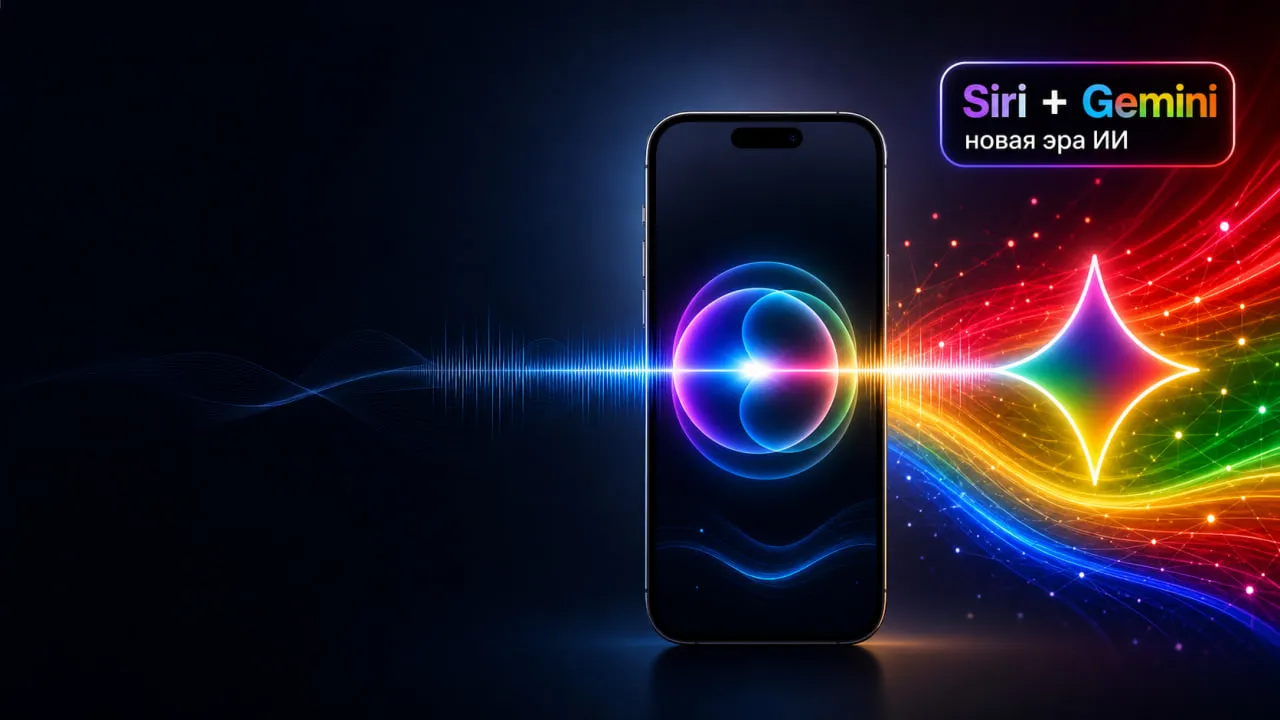
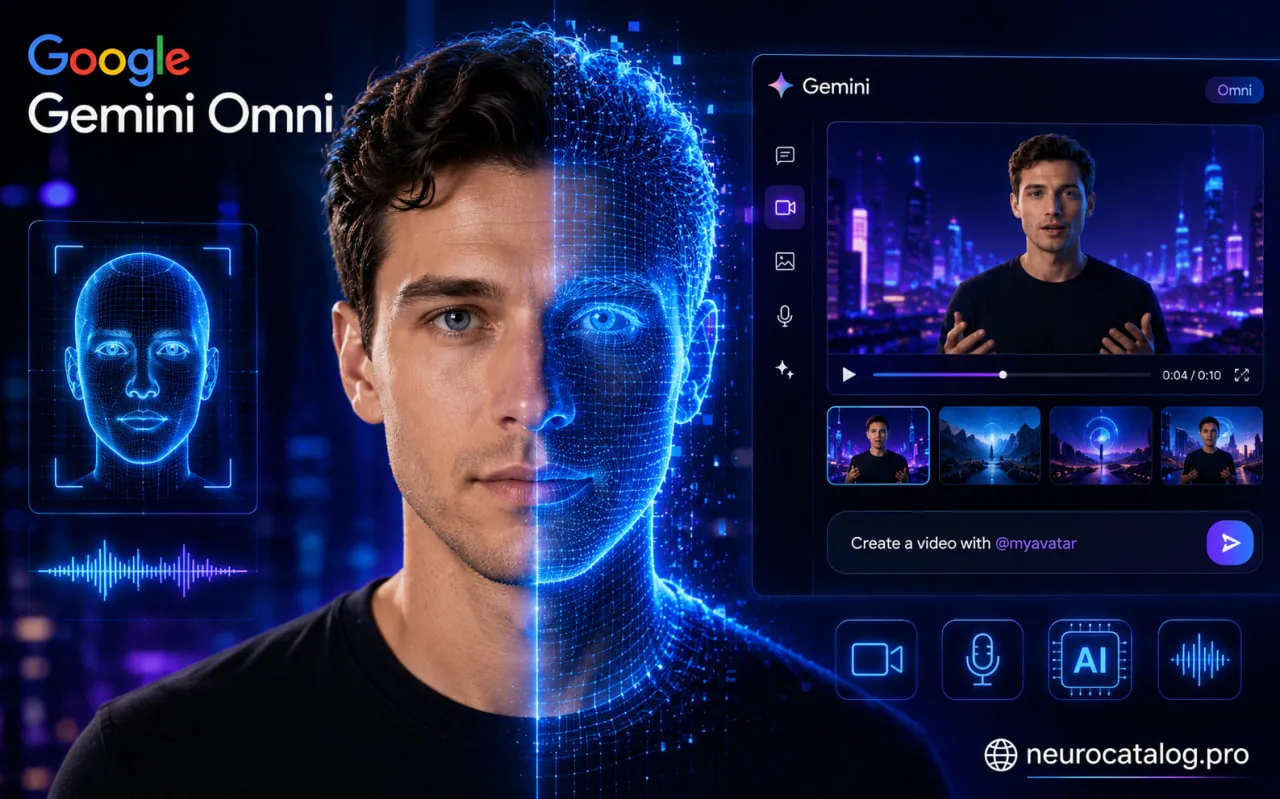
Now imagine this: you record your face and voice once in the app, and instantly get your own digital twin that can be inserted into virtually any video through a simple chat command. Google calls it a personal AI avatar in Gemini Omni, while WIRED describes it as a “controlled self-deepfake.” Let’s take a closer look at how it works, what it can be used for, and what potential pitfalls users should be aware of.
Contents
What Is Google’s Personal AI Avatar and Why Does It Matter?
How It Works: From Recording to Finished Video
What Gemini Omni Flash Can Do Beyond Avatars
Availability, Pricing, and Requirements
SynthID and AI Content Labeling
Risks: Privacy, Legal Issues, and Misuse
Comparison with Competitors
FAQ
What Is Google’s Personal AI Avatar and Why Does It Matter?
Until now, most AI video generators could only do one thing: turn text prompts into clips featuring beautiful landscapes or animated characters. Google took a different approach — it turned the user into a programmable asset.
The concept is simple. Record your face and voice once, and you receive an account-bound avatar that can be called directly in prompts using @username. For example, “Create a video where @username sings with an orchestra,” and Gemini Omni generates a video featuring your appearance and voice in the requested scene.
Google positions Gemini Omni as a place where “the ability to reason meets the ability to create.” In practice, this means much more than simple video generation. It functions as a conversational video editor: reshoot a scene, remove unwanted objects, change the background, adjust the aspect ratio, and make additional edits — all within a single chat, without exporting or importing files.
Who is this actually useful for today? Anyone who needs repeatable content while maintaining a personal presence. Think educational videos, social media FAQ clips, welcome messages, short brand explainers, and other content formats that normally require appearing on camera. Create your digital twin once, and you can produce dozens of videos without a studio, camera crew, or repeated filming sessions.
WIRED described the technology as a “controlled self-deepfake” — essentially a personal deepfake that remains under the user's control. It’s an accurate description: the convenience is real, but so are the risks.
How It Works: From Recording to a Finished Video
What Data Is Required to Create an Avatar?
The recording process is intentionally simple but demanding when it comes to input quality. Google is not looking for a random selfie. Instead, the system requires a clean multimodal sample of your appearance and voice.
Open Gemini on Your Phone or Tablet
You can access Gemini on iPhone, Android, or through a desktop browser. However, the actual recording process still takes place on a mobile device. Desktop users must scan a QR code to continue on their phone or tablet.
Open the Avatar Section and Grant Camera and Microphone Access
Google recommends holding the device at eye level, recording in a quiet environment, and ensuring that no other faces appear in the background.
Record Your Face and Voice
Sunglasses, masks, hats, and anything that obscures facial features are not allowed. The system needs a clear capture of your face and voice.
Your Avatar Appears as @username
Once created, the avatar can be called directly inside prompts.
For example:
“Create a video where @username explains photosynthesis.”
Or:
“A story where @username is a detective in Tokyo in the 2040s.”
Edit the Result Through Conversation
Didn't like the camera angle? Ask Gemini to reshoot it.
Want a different background? Simply describe the change.
Everything happens within the same chat session, making the editing process feel more like a conversation than traditional video production.
What We Know About the Personalization Process
It's important to be honest here: Google has not publicly explained exactly what happens behind the scenes with user recordings.
There is no official information on whether the company performs full fine-tuning for every user, relies on embedding-based identity profiles, or uses another method entirely.
What Google has confirmed is that face and voice recordings are stored within the user's Google Account and used when generating content with the personal avatar. Anything beyond that remains speculation.
As for the underlying model, Gemini Omni Flash is a transformer-based multimodal architecture with native support for text, images, audio, and video. It was trained on large-scale annotated audio and video datasets using extensive quality filtering and semantic deduplication techniques.
Rather than being a simple text-to-video generator, Gemini Omni Flash is a foundation model capable of connecting visual, audio, and textual information into a unified understanding of a scene.
What Can Gemini Omni Flash Do Beyond Avatars?
The avatar feature is only one part of a much larger platform. When looking at Gemini Omni Flash as a whole, several capabilities stand out.
Video Generation from Scratch
Provide a text prompt, and the model generates a video complete with audio. At the moment, clips are limited to roughly 10 seconds, although Google is actively working on extending video duration.
Multi-Input Video Creation
Users can upload photos, audio recordings, and video references. Gemini Omni Flash combines these elements into a coherent video while taking all inputs into account.
Conversational Video Editing
Existing videos can be modified directly within the same chat. Users can remove objects, replace characters, move scenes to different locations, change artistic styles, or alter camera angles. Google refers to this workflow as multi-turn editing.
Physical Realism
According to Google, the model has a stronger understanding of gravity, motion, and fluid behavior. This helps generate scenes that feel more realistic and maintain consistency across multiple edits.
A Note About Current Limitations
Google openly acknowledges in its model documentation that the system is still imperfect. The model can struggle with complex motion, occasionally lose consistency after repeated edits, and does not always render text accurately inside generated scenes.
Gemini Omni Flash is a highly advanced experiment, but it is not yet a complete replacement for professional video production.
Availability, Requirements, and Pricing
Quick Overview
Minimum Age: 18+
Account Required: Personal Google Account
Subscription: Google AI Plan
Pricing (US):
Google AI Plus — starting at $7.99/month
Google AI Pro — starting at $19.99/month
Platforms:
Android
iPhone and iPad
Web version (recording still requires a mobile device)
Avatar Language Support:
English only
Unavailable Regions:
European Economic Area (EEA)
Switzerland
United Kingdom
Minimum OS and Browser Versions:
Not publicly specified
API and Enterprise Access:
Google has announced a rollout in the coming weeks, but exact dates and regions have not yet been disclosed.
A free rollout has already begun for YouTube Shorts and YouTube Create. However, creating personal avatars and generating videos within the Gemini application currently requires a paid subscription.
Geographic restrictions are largely related to regulations surrounding biometric data and AI transparency. Additionally, the video editing workflow that allows users to upload their own videos is unavailable in certain US states, although Google has not publicly disclosed the full list.
SynthID and AI Content Labeling: What Is It and Why Does It Matter?
One of the most interesting aspects of the launch is not the avatar itself, but Google's attempt to make synthetic content transparent by default.
Any content created or edited through Gemini Omni, Google Flow, or YouTube automatically receives two layers of identification:
SynthID Watermark
C2PA Content Credentials
What Is SynthID?
SynthID is an invisible digital watermark embedded directly into AI-generated content.
It is designed to survive common modifications such as cropping, filters, frame-rate changes, background noise, and audio compression.
Users can upload a video into Gemini and ask whether it was created using Google AI tools. Google has also launched the SynthID Detector Portal for selected testers and continues expanding verification capabilities across Search and Chrome.
What Are Content Credentials?
Content Credentials are part of the C2PA standard and act as a digital passport for content.
They record information about where a file originated, how it was created, and what edits were applied over time.
By inspecting Content Credentials, users can see whether a file was generated or modified using AI tools and review portions of its editing history.
Important Limitation
Neither SynthID nor Content Credentials provide absolute certainty.
A watermark may become undetectable after heavy modifications, and Content Credentials indicate origin rather than proving authenticity.
These technologies are powerful transparency tools, but they should not be viewed as perfect AI detectors.
Risks: Privacy, Legal Issues, and Misuse
⚠️ The Scaling of Deepfakes
Any system capable of accurately capturing a person's appearance and voice creates new opportunities for fraud, impersonation, reputation attacks, and unauthorized advertising.
🔒 Storage of Biometric Data
Face and voice recordings are stored within a Google Account. Deleting the original recordings prevents the creation of new content with the avatar, but any videos that have already been published will remain available.
⚖️ Regulatory Pressure
Regulators around the world are paying increasing attention to AI-generated content. The EU AI Act requires clear labeling of synthetic media, while the US Federal Communications Commission (FCC) has ruled that AI-generated voices used in robocalls are illegal. Commercial use of AI avatars increasingly requires legal compliance and transparency.
👤 Using Someone Else’s Likeness Without Permission
Google explicitly prohibits the use of another person's appearance or voice without consent. The company provides a reporting system that includes selfie verification and identity checks. However, from a technical perspective, the barrier remains relatively low and is primarily enforced through policy rather than technology.
How Google Protects Users
Google has implemented multiple layers of protection.
These include restrictive usage policies under the Gen AI Prohibited Use Policy, internal red-team testing, limitations on editing another person's speech, SynthID watermarking, Content Credentials, and a dedicated complaint process for misuse of someone's identity.
Users submitting a complaint must complete selfie verification and liveness checks, making large-scale abuse more difficult.
What Should Users Do?
If you decide to create a personal AI avatar, enable two-factor authentication on your Google Account and only record your data on trusted personal devices.
Never upload someone else's face or voice without explicit permission, and consider labeling AI-generated videos when publishing them online.
It is also a good idea to periodically review whether you still need your avatar. Recordings can be deleted at any time through Gemini settings or directly through your Google Account.
One important detail should not be overlooked: Google states that unused recordings will be automatically deleted after three years. However, this policy does not apply to videos that have already been generated and published.
Comparison with Competitors
Gemini Omni is not the only player in the personal AI avatar market. Here's how the current landscape looks.
Platform | Avatar Type | Editing Capabilities | Pricing | Key Advantage |
|---|---|---|---|---|
Google Gemini Omni | Photorealistic digital twin with face and voice | Conversational multi-turn editing, references, aspect ratio control | From $7.99/month (AI Plus, US) | SynthID and C2PA enabled by default; avatar integrated directly into the video editor |
Meta AI / Meta Avatars | Stylized social avatars rather than photorealistic clones | Stronger social and remix-focused features | Free | Massive social media distribution but not designed as a professional talking-head solution |
Microsoft Azure Speech Avatar | Custom photorealistic talking avatars | API-based, real-time and batch generation, enterprise-oriented | Pay-as-you-go | Powerful enterprise API ecosystem and infrastructure |
Synthesia | Stock and personal avatars with optional voice cloning | Business-focused workflow, templates, localization tools | Starter $29/month, Creator $89/month, Enterprise pricing on request | One of the most mature corporate video creation platforms available |
The key advantage of Gemini Omni is the combination of a personal avatar, conversational video editing, and built-in content verification within a single consumer product.
Synthesia remains stronger in business-focused workflows and localization. Microsoft offers deeper enterprise control and API access. However, none of these competitors currently provide the same level of integration between AI generation, verification tools such as SynthID and C2PA, and Google's broader ecosystem including Search, YouTube, and Chrome.
FAQ
What Is a Personal AI Avatar in Gemini Omni?
A personal AI avatar is a feature within Gemini that allows users to record their face and voice once and then use a digital version of themselves in AI-generated videos. The avatar can be referenced directly in prompts using @username and is powered by Gemini Omni Flash.
Do I Need a Paid Subscription?
Yes. Creating a personal avatar requires a personal Google Account and an active Google AI subscription. In the United States, Google AI Plus starts at $7.99 per month, while Google AI Pro starts at $19.99 per month.
In Which Countries Is the Feature Unavailable?
Google currently lists the European Economic Area (EEA), Switzerland, and the United Kingdom as unsupported regions. Avatar functionality is currently limited to English.
Does Google Store My Face and Voice?
Yes. Face and voice recordings are stored within your Google Account and used to generate content featuring your avatar. Users can delete these recordings at any time through Gemini settings or their Google Account.
What Happens If I Delete My Avatar?
Deleting the recordings prevents the creation of new content using the avatar. However, videos that have already been generated and published will not be automatically removed.
How Can I Check Whether a Video Was Created with Google AI?
Users can upload a file into Gemini and ask whether it was created or edited using Google AI tools. Content generated by Gemini Omni automatically receives SynthID watermarking and C2PA Content Credentials. Google also provides the SynthID Detector Portal for additional verification.
Can I Report Misuse of My Identity?
Yes. Google offers a dedicated reporting process for cases where someone’s appearance or voice has been used without permission. Reports require selfie verification and liveness checks.
Who Benefits Most from Personal AI Avatars?
Personal AI avatars are particularly useful for creators producing repeatable content such as educational videos, FAQ clips, short-form social media content, product explanations, and branded presentations. They help reduce production time while maintaining a personal presence on screen.